How well it runs can still depend on your host and its GPU. Metal, macOS are trademarks of Apple Inc. Reims vGPU is an independent project and is not affiliated with, sponsored by, or endorsed by Apple Inc.
The terminal viewer
reims-ctl view draws a running VM's screen in your terminal and sends the guest your keys, clicks and pasted text. It's for a VM on a machine with no screen, such as a Linux box you reach over SSH, to set macOS up before it has screen sharing or remote login. It works on any running VM, and the VM's own windows, if it has any, keep working alongside.
$ ssh my-linux-box
$ reims-ctl view mac Ctrl-] disconnect next key or click with Cmd Opt Ctrl Shift Alt+key is Cmd+key macos-26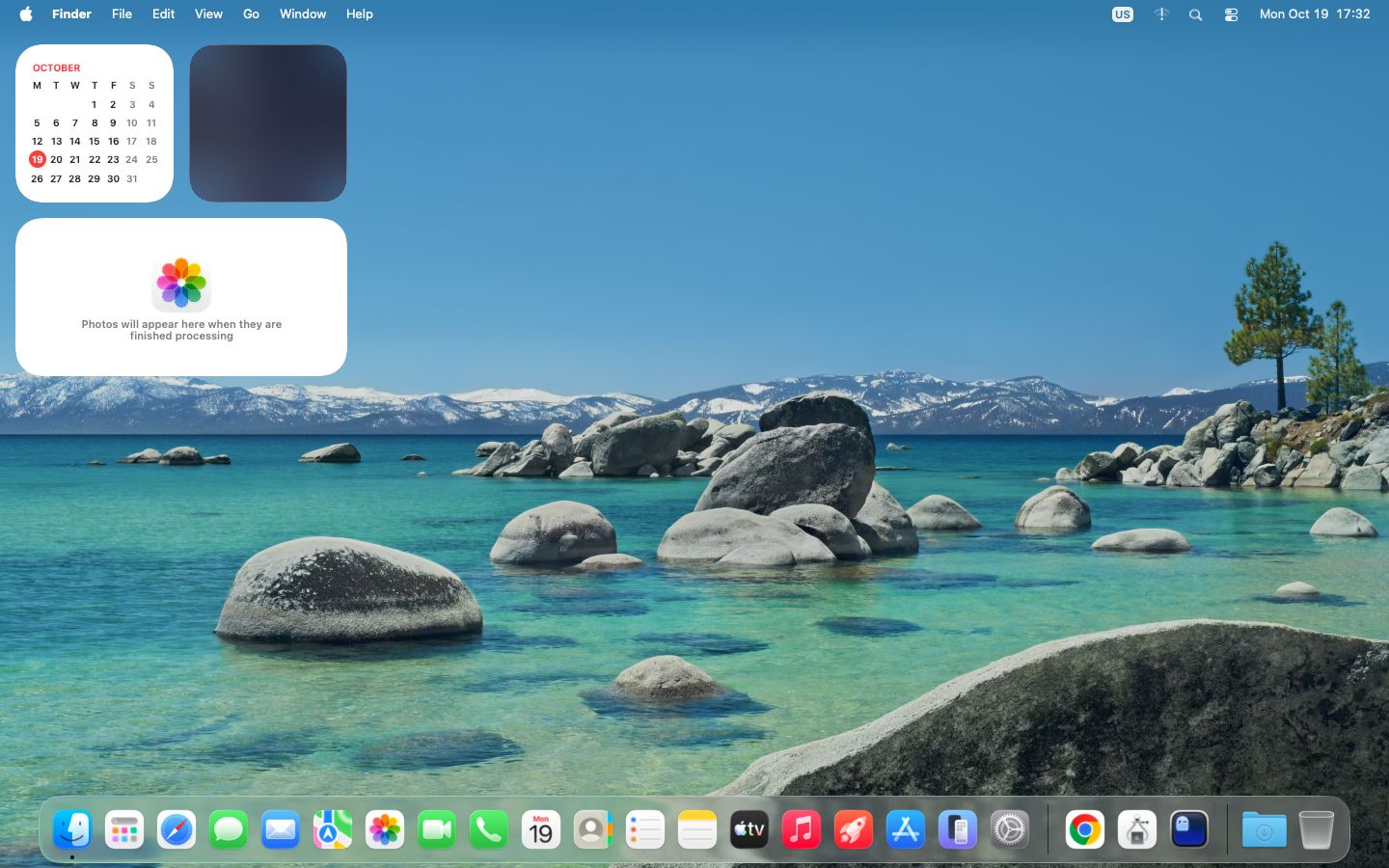
Keys and clicks
- Ctrl-] disconnects. The VM keeps running.
- Alt is Cmd: most terminals can't send ⌘, so Alt+key reaches the guest as ⌘+key (Super does too, where the terminal reports it).
- The toolbar's Cmd, Opt, Ctrl and Shift buttons hold that key for your next key or click, for combinations your terminal can't send.
- Keys go to the guest as a US keyboard's, and clicks as a tablet's, so the pointer lands where you click. Pasted text is typed into the guest.
In the interactive interface, v on a running VM opens the same viewer, and Ctrl-] comes back to the list.
Which terminal
The viewer asks the terminal what it can show and uses the best it answers to. --protocol picks one yourself.
--protocol | Terminals |
|---|---|
kitty | kitty's graphics protocol: kitty, Ghostty, Konsole |
iterm | iTerm2's inline images: iTerm2, WezTerm |
sixel | Sixel: foot, xterm, Windows Terminal, VS Code with images on |
blocks | Half-block characters in 24-bit color, two pixels a cell: any terminal |
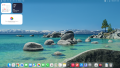
blocks at 120 columns: rough, but enough to find a button.Options
--display 2shows the VM's second display; the first by default.--fps 30raises the frame cap from its default of 15. Frames come as fast as the terminal takes them, up to the cap, and a screen that isn't changing is checked four times a second.
How it gets the screen
Everything goes through the VM's QMP socket, QEMU's control channel, which is why it works with any running VM and nothing in the guest. Each frame is a screenshot of the display, which the GPU renders only when the guest has drawn something new, and input goes in as the USB keyboard's and tablet's events. QMP serves one client at a time, so the viewer lets go of it between frames, and reims-ctl stop still gets through while you watch.